
CE-22PA1022X - Introduction to Microsoft Power BI
This course introduces Power BI fundamentals, including data preparation, modeling, DAX, and dashboard development, giving learners the skills to create automated reporting solutions and support data-driven decision-making.
No prior Power BI experience is required.
Course Outline
Session 1: Power BI Overview and Reporting Basics
- Introduction to Power BI and the business intelligence industry
- Connections to data sources
- Data visualizations
Session 2: Building Interactive Reports and Data Modeling
- Interactive report development
- Data transformation and cleaning
- Data models, table relationships, and modeling best practices
Session 3: DAX Expressions and Time Intelligence
- Beginner and intermediate DAX expressions
- Measures and calculated columns
- Calendar tables and time intelligence functions
Session 4: Hands-On Applications and Advanced Topics
- Hands-on exercises using CVG Flights, Superstore, and HR Analysis datasets
- Bookmarks/Buttons/Creating interactive reports
- Security and deployment best practices
Learner Outcomes
Learners who complete this course can expect the following outcomes:
- Explain the value of business intelligence and how Power BI supports data-driven decision-making.
- Connect to and prepare data from multiple sources for reporting and analysis.
- Build and manage foundational data models using table relationships and modeling best practices.
- Create DAX measures and calculated columns to support business reporting needs.
- Develop interactive Power BI reports and dashboards that communicate key business metrics.
- Apply time intelligence techniques to analyze trends and compare performance across periods.
- Use Power BI to automate reporting processes and reduce reliance on manual spreadsheet reporting.
- Publish and share reports that provide a trusted, centralized source of information for business users.
- Apply foundational report design best practices to improve usability, performance, and stakeholder adoption.
Who Should Register?
This course is designed for the following learners:
Data & BI Analysts
- May have used other BI or reporting tools but are new to Power BI.
- Want to learn how to create their first dashboards and reports.
- Want to understand data modeling basics, simple calculations, and build interactive visualizations.
Financial, Accounting & FP&A Professionals
- Regularly work with budgets, forecasts, or financial results but rely on Excel for analysis.
- Want to learn how Power BI can automate repetitive reporting tasks and refresh data automatically.
- Want to build easy-to-understand financial dashboards and self-service reports.
Operations, Supply Chain & Logistics Analysts
- Handle large datasets related to inventory, logistics, or service metrics.
- Need to create interactive reports that allow users to filter and explore data without manual updates.
- Want to standardize reporting and reduce monthly reporting efforts.
Sales, Marketing & Customer Analytics Professionals
- Track sales performance, marketing campaigns, or customer behavior primarily using manual tools.
- Want to learn how to combine multiple data sources into simple visualizations.
- Want to create dashboards that can be shared with teams for flexible self-service analysis.
HR, People Analytics & Workforce Planning Professionals
- Analyze workforce data such as headcount, turnover, or engagement primarily in Excel.
- Want to learn how to build automated dashboards for HR leaders without heavy technical skills.
- Want to simplify and streamline regular HR reporting.
Managers and Subject-Matter Experts Who "Own" Reports
- Are accountable for key departmental metrics but may not have used Power BI before.
- Want to move beyond static Excel or PowerPoint reports.
- Want to learn how to create and share interactive reports that empower teams.
Anyone Who Regularly Answers Data Questions for Their Organization
- Are often asked to prepare reports or pull data but struggle with manual processes.
- Work with data from multiple systems or complex business rules and want to simplify their work.
- Want to learn foundational Power BI skills to reduce repetitive tasks and enable faster analysis.
Additional Information
- No prior Power BI experience is required.
- A reliable internet connection and access to two screens are recommended to maximize the learning experience.
- The meeting invite, Zoom link, and course materials will be sent to registered attendees approximately three to five days before the first session.
- Power BI is a trademark of the Microsoft group of companies. This academic course is not endorsed or approved by Microsoft.
Learners can take dashboards further with advanced calculations, visualizations, and interactive features. To broaden data visualization skills, learners can pair this course with Data Visualization Principles, Story Finding and Storytelling.
What You'll Earn
After completing all course requirements, learners earn the Introduction to Power BI record of completion.
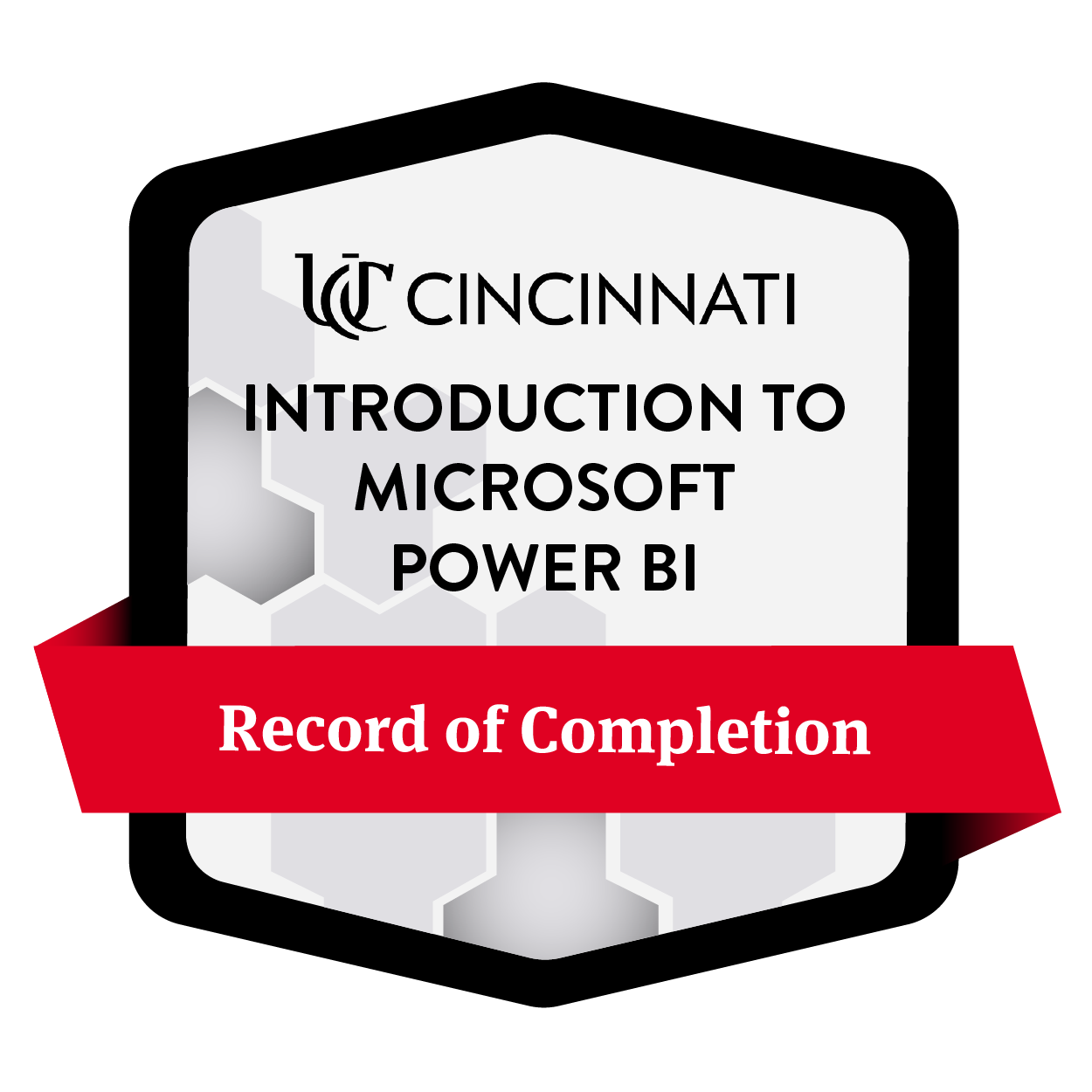
View the Introduction to Microsoft Power BI Badge
Learn more about UC Skills credentials on our credentials page.
Select a section to register
Center for Business Analytics and AI (CBAI)
The University of Cincinnati Center for Business Analytics and AI bridges academia and industry to empower professionals to turn data into action. Through applied learning, industry collaboration and access to academic and industry expertise, the Center helps organizations and professionals build capabilities in data, analytics and AI that accelerate business transformation.
The center brings together a robust community of professionals, faculty and students to exchange knowledge, explore emerging practices and solve real-world business challenges.
Through the Academy, professionals build practical, in-demand skills through hands-on training in business intelligence, data visualization, artificial intelligence, analytics and emerging technologies. Courses are designed for immediate application, helping participants strengthen their capabilities and drive impact within their organizations.
Carl H. Lindner College of Business
The Carl H. Lindner College of Business empowers business problem solvers to tackle the world’s challenges.
We fuel professional growth through our distinctive combination of academic and hands-on experiences: our problem-solving mindset, cooperative education, flexible pathways, inclusive community and vibrant, urban setting.
As the founder of cooperative education and consistently ranked Top 5 for co-op, the University of Cincinnati has exhibited its prowess for connecting students with top-notch employers. Co-op empowers students to explore career options, while building their professional skills, resumes and networks. Lindner is proud to further this powerful tradition.
Place, age or stage — students from a wide variety of backgrounds become problem solvers at Lindner. Begin your journey today.